Português (Brasil)

MIDI · Video · MP3+G · UltraStar · LRC  ·  Windows, macOS, Linux, Android, Meta Quest, iOS

KaraokeMachine

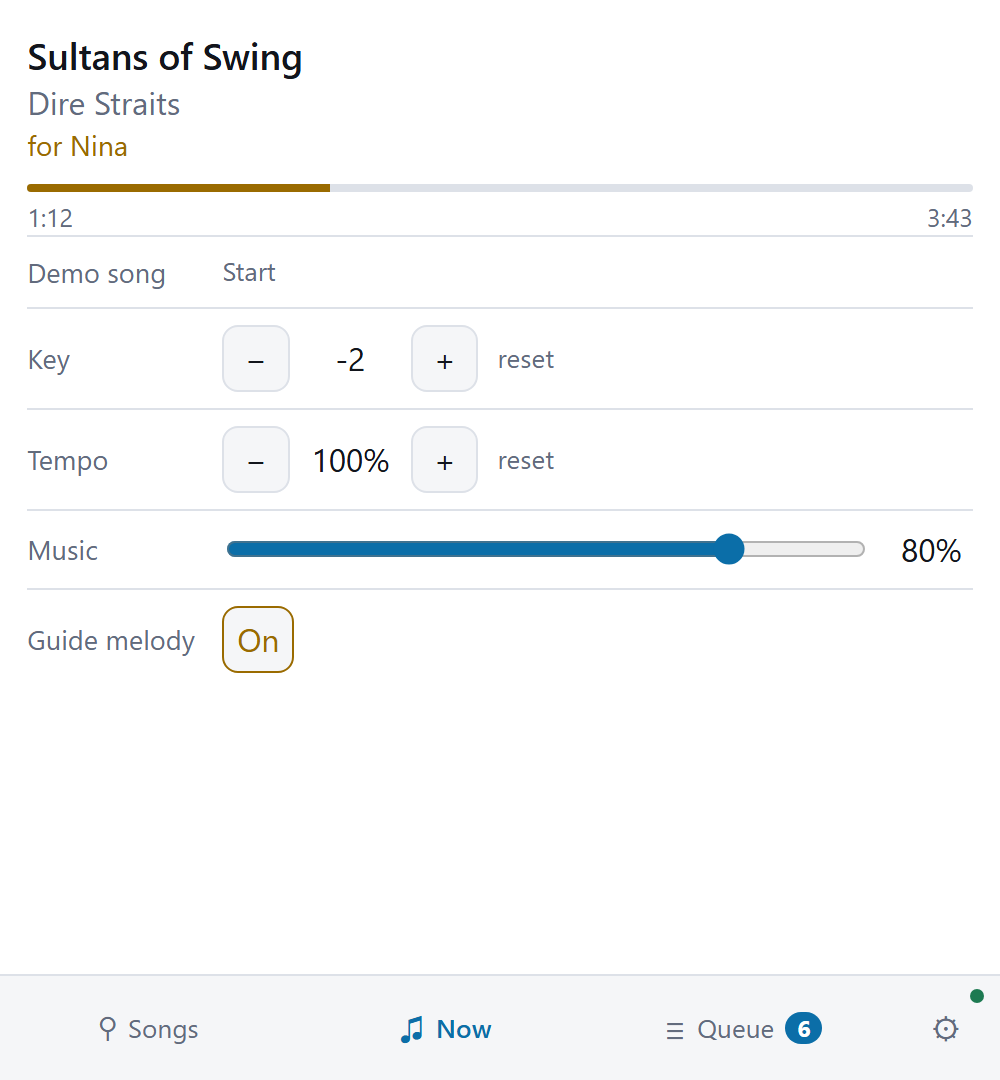
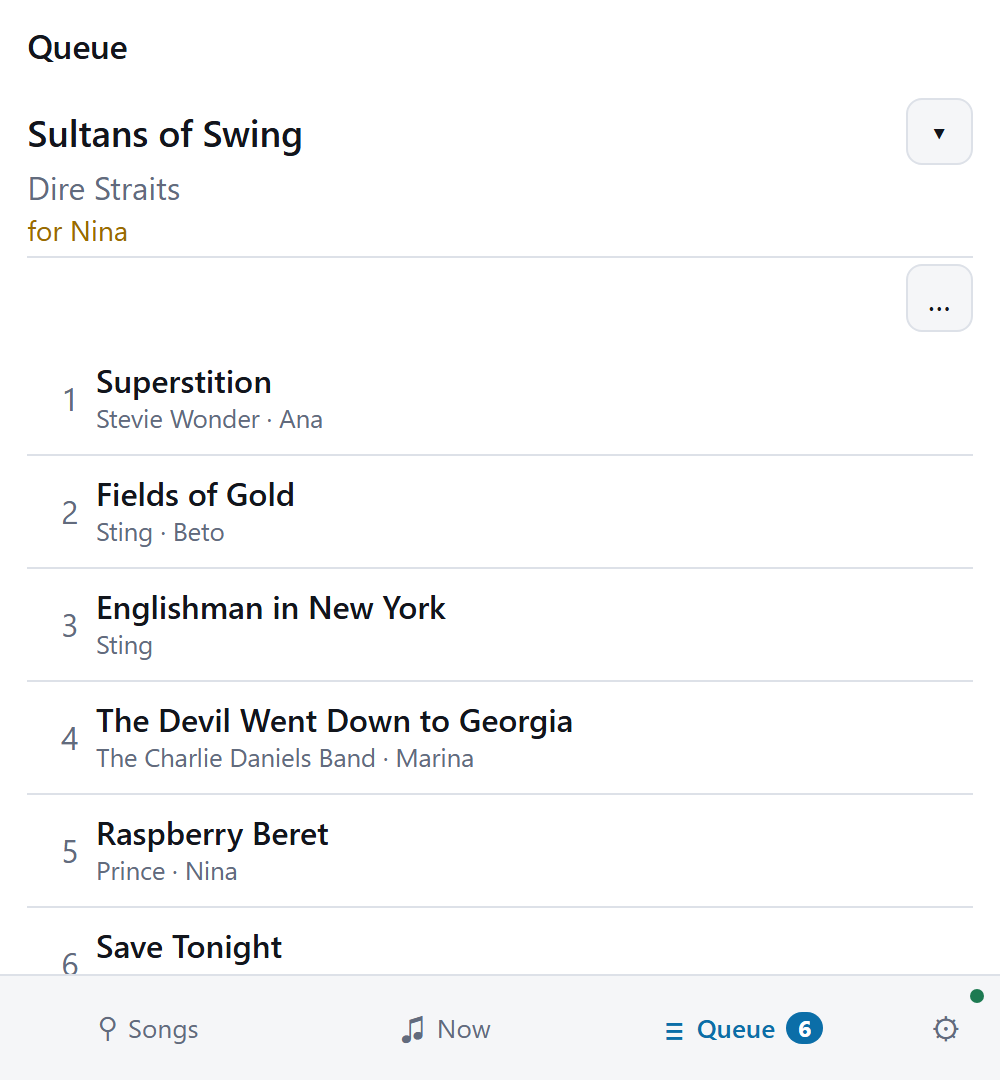
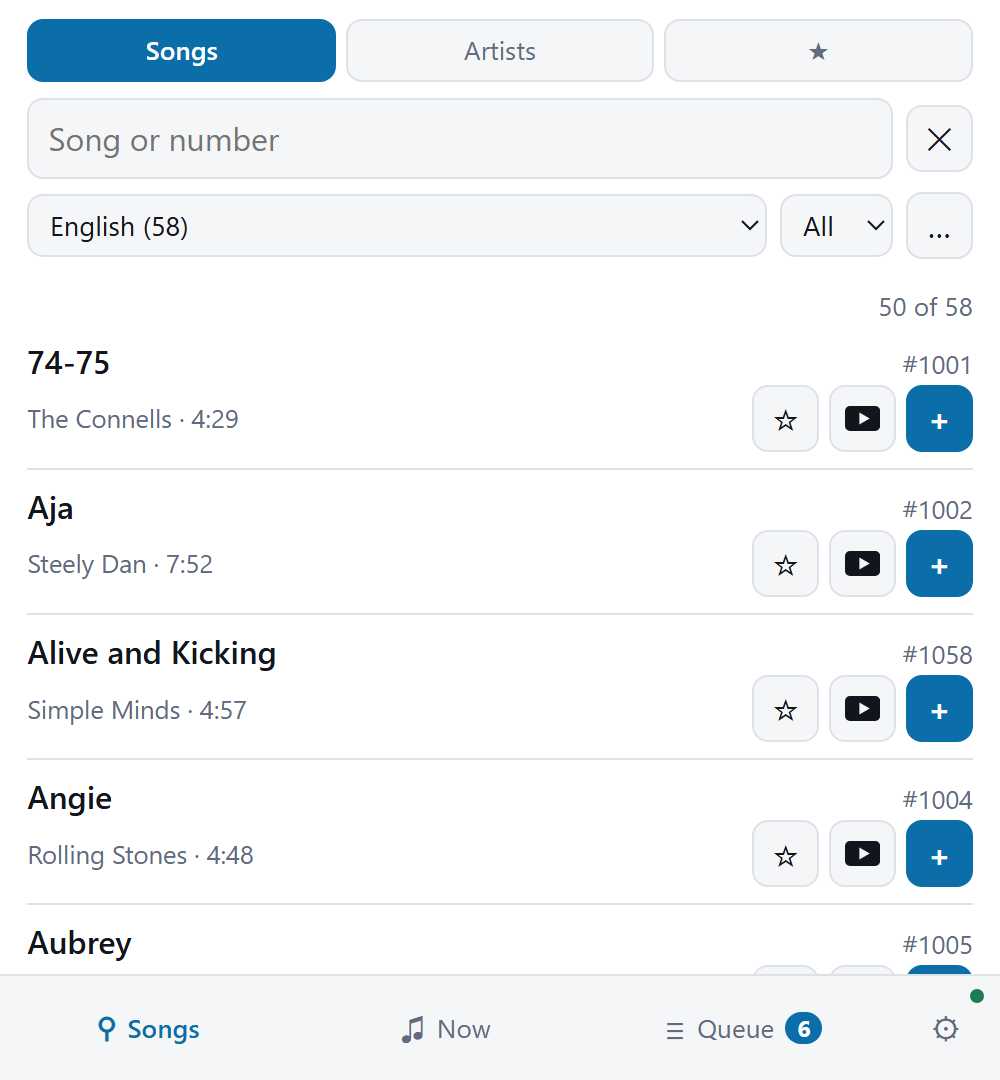
A karaoke machine that behaves like a commercial home unit: pick a song by number, it plays, the words highlight in time. It runs full-screen on a television, and any phone on the network is a remote over an HTTP API. Search the catalog, queue a song, change the key, skip.

Download See the source Build it

Free software, MIT OR Apache-2.0. The macOS package is signed and notarized; every other download is unsigned, and the release page says what each platform will ask you.
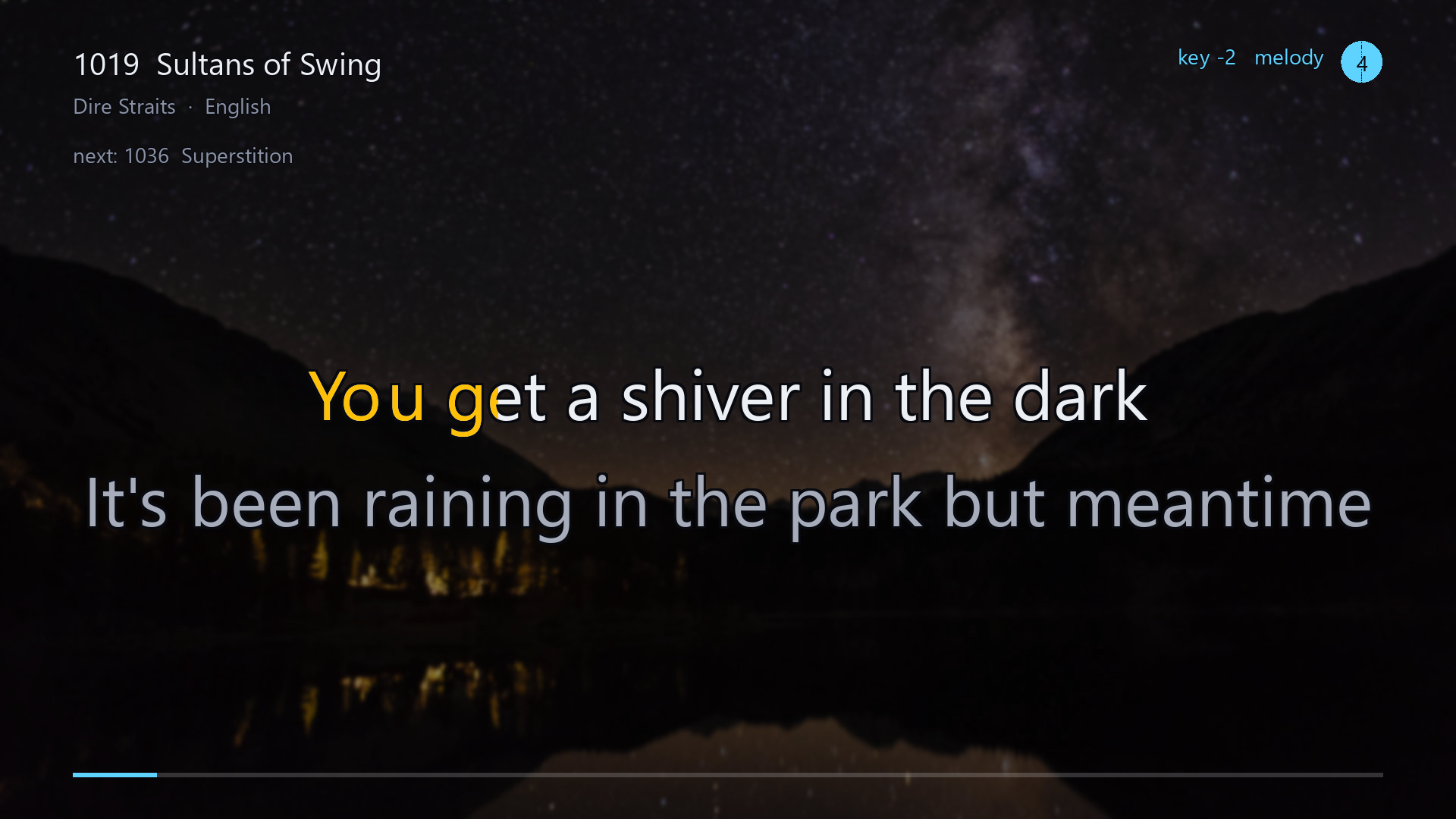
The playing screen on a television: the song's number, title and artist across the top
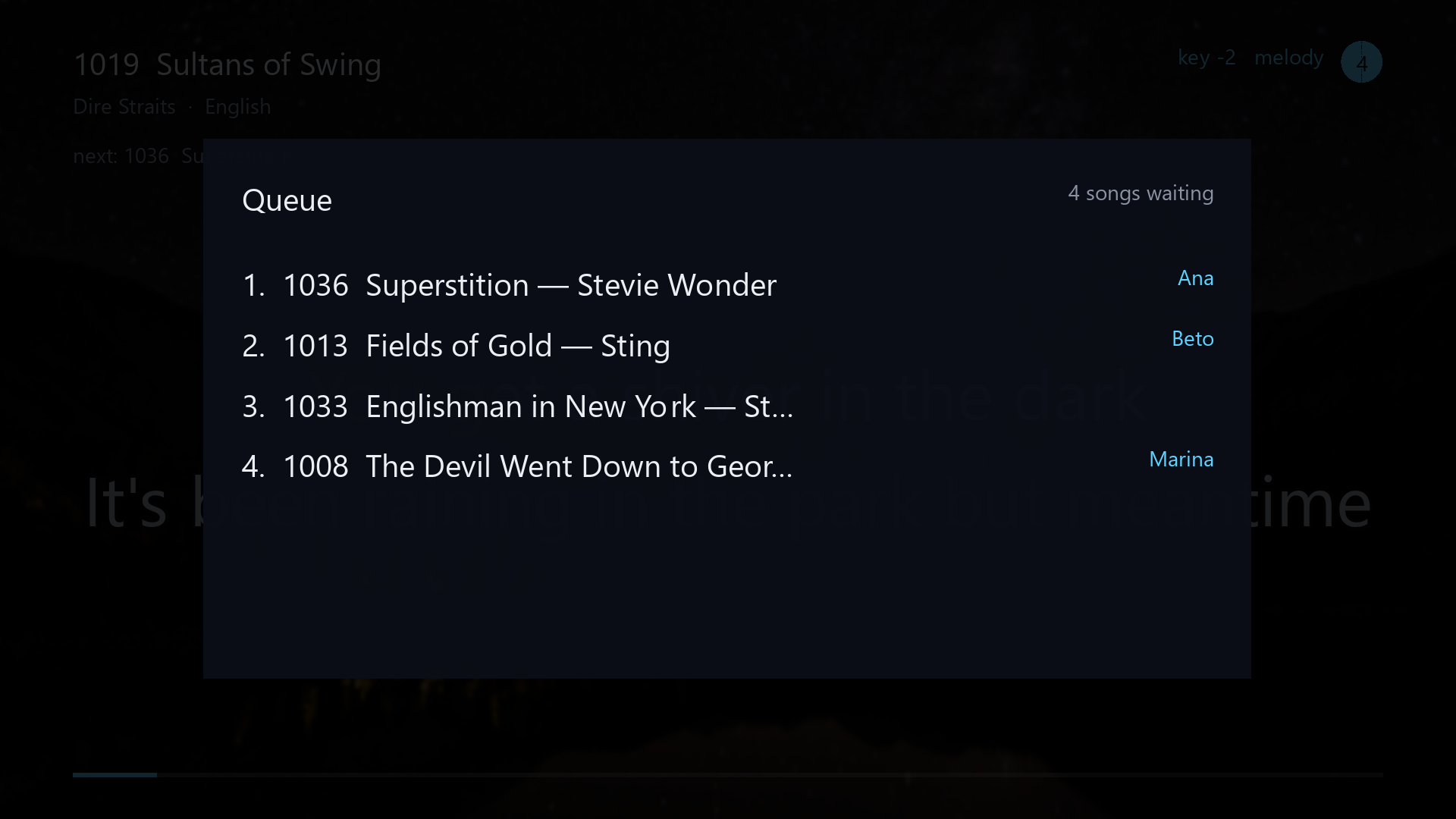
              with key and melody badges and a disc in the corner counting the songs waiting, the
              line being sung in large letters with the current syllable half-filled in amber, the
              line that follows it below in gray, and a progress bar along the bottom

What it looks like


Two lines of the carol Angels From the Realms of Glory sung on the playing screen: each
              syllable fills in amber as it is sung, the next line waits below in gray, and when the
              first line ends the one after the next takes its row
Singing. Each syllable fills in time with the music, and the next line is already waiting.
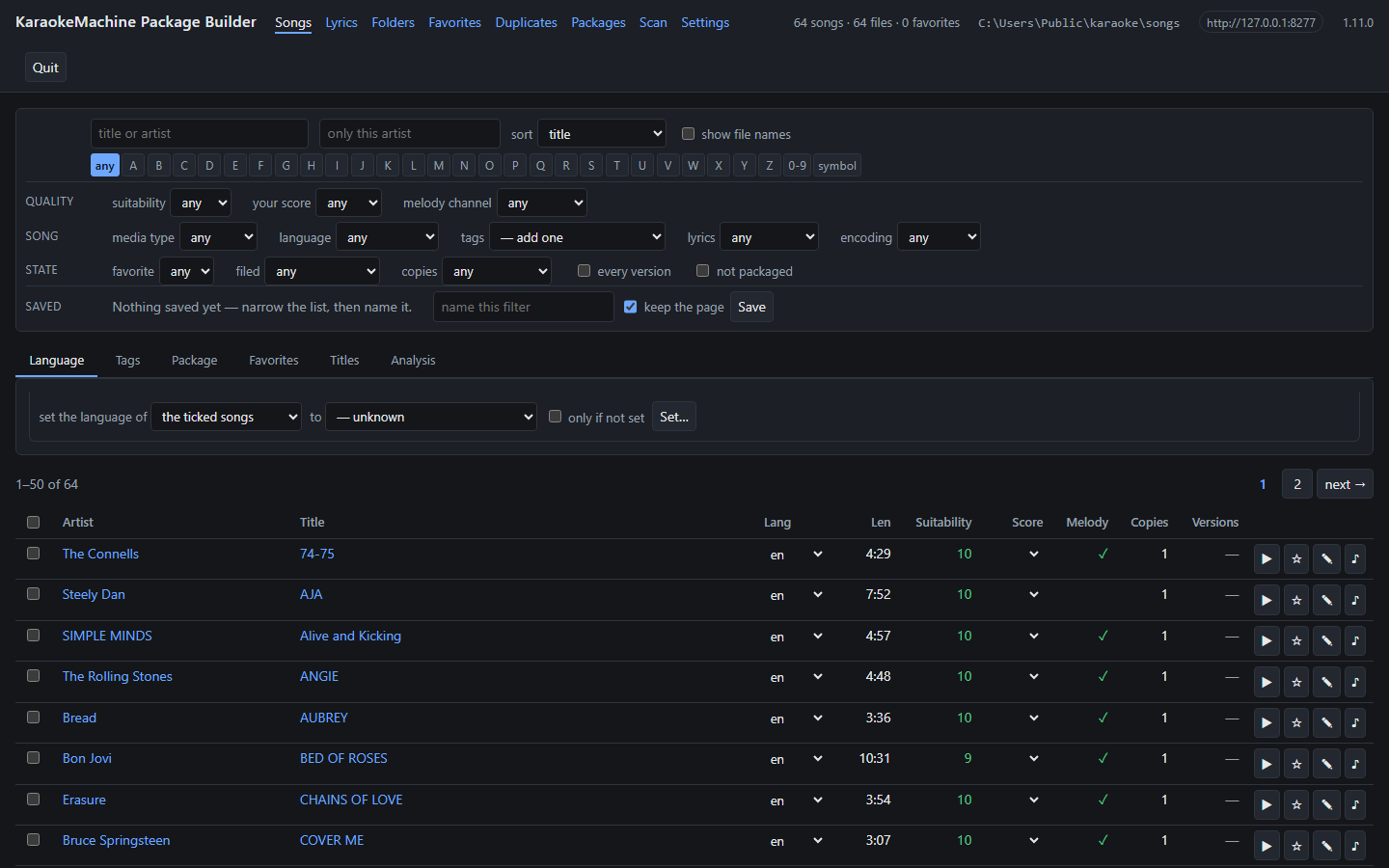
km-package-builder in a browser: a wide filter panel whose narrowed list can be saved
              under a name, over a table of songs with columns for artist, title, language, length,
              suitability, your own rating, melody and duplicate count, and per-row buttons to play a
              song, file it in a favorite, edit its title and artist, and look it up on YouTube
km-package-builder, for getting a folder of files into shape before it is packaged.

What it does

Songs

  • MIDI and KAR files with embedded karaoke lyrics, in all three karaoke conventions. The machine detects a legacy encoding such as Shift-JIS.
  • Video songs — H.264/AAC MP4.
  • MP3+G songs — an MP3 with a .cdg of the same stem. The machine draws the CD+G graphics itself, in Rust.
  • UltraStar songs — the .txt a singing game times its words in, beside the MP3 it names. The words light up syllable by syllable.
  • LRC songs — an .lrc of timed lyrics, beside the MP3 of the same name. A file that times each word lights word by word. A file that times only its lines lights a whole line at a time, and counts you back in after a break.
  • A 0–10 suitability rating for every file, with a breakdown. It also names the melody channel where it finds one with confidence, and gives a reason where it cannot.

Playing

  • Full-screen on a television, drawn by SDL3, or in a window on a desktop. F switches between them, and the machine remembers the choice. On Linux it draws straight to DRM/KMS from a bare TTY, with no desktop installed.
  • Or on a television in another room. With --stream the machine opens no window, and serves picture and sound as one HLS stream. A browser opens it at /watch/, and VLC, Kodi or a television's own player opens /stream/live.m3u8.
  • Words highlight in time, syllable by syllable, on the sequencer's own clock.
  • Transpose and tempo per song, and a guide melody that can be muted.
  • A lyric timing offset in milliseconds, adjustable mid-song, for the picture lag of a television. It moves the highlight only and never the audio, because the microphones are in that audio.
  • Photographed wallpapers behind the words, crossfading, each one checked for contrast in the band the lyrics sit in.

Remotes, and the API

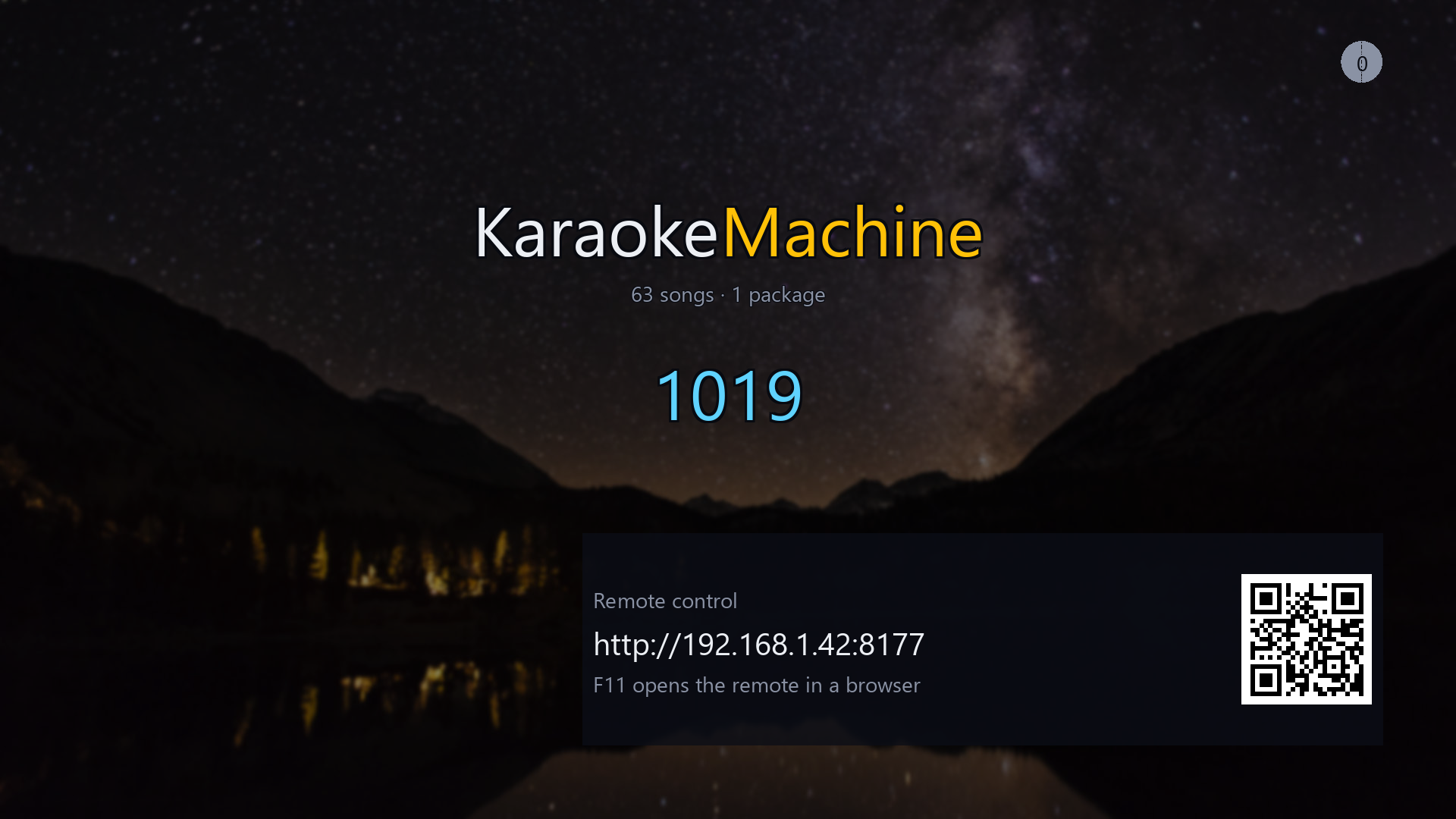
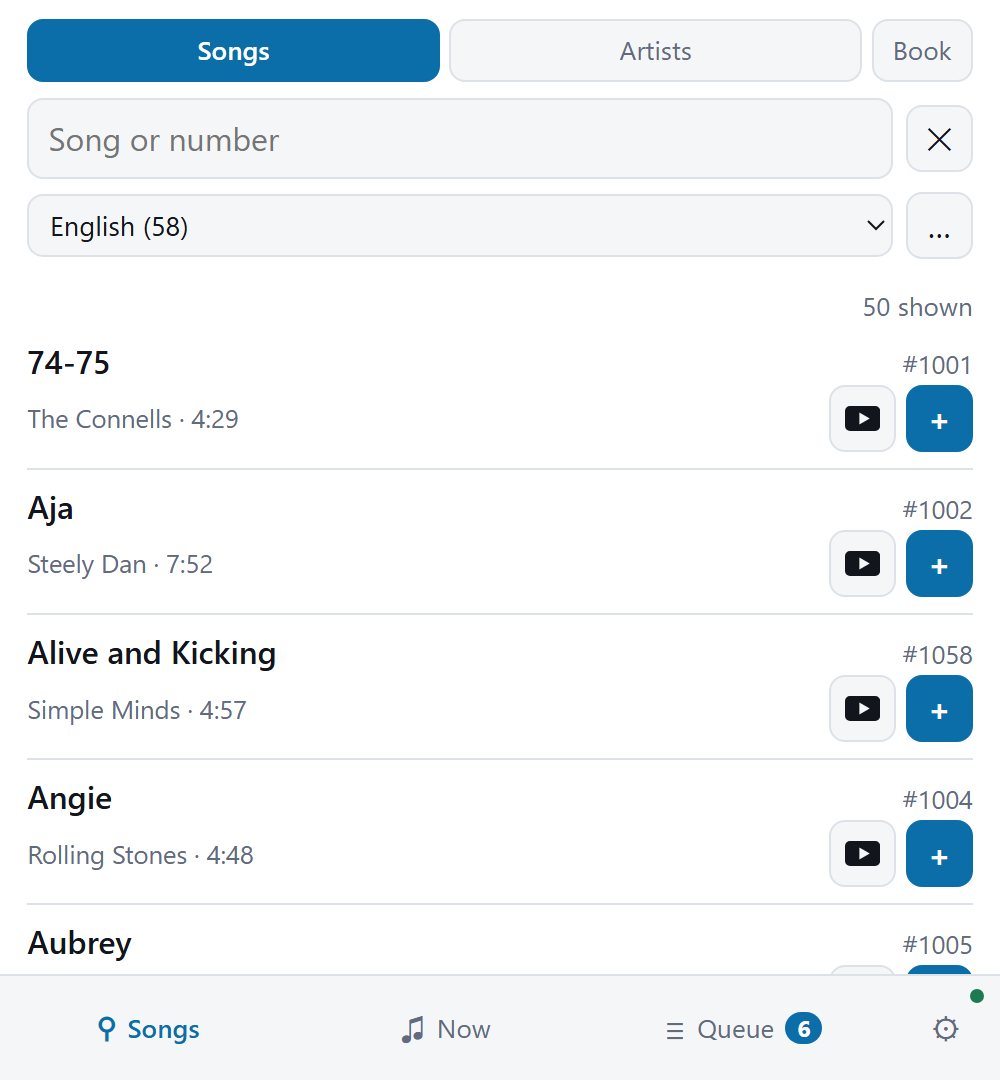
  • The machine serves a remote at its own address. Any phone on the network opens it with no app to install, from a QR code on the idle screen.
  • A standalone offline remote keeps its own copy of a machine's catalog. Browsing, searching and favorites work with the machine switched off.
  • An HTTP API with a WebSocket event stream covering search, queue, transport, settings, packages, wallpapers, demo mode, microphones and audio output.
  • mDNS finds the machine on the network.
  • One admin password, which the machine shows on its idle screen as a six-digit PIN. Everything under /api/v1/admin/ needs it, and nothing a singer does needs it.

Getting a corpus into shape

  • km-package-builder, a local web server over a folder of source files. Browse, search the lyrics themselves, rate, fix names, group duplicates, and pick songs into packages.
  • km-pack builds and validates packages, and km-lyrics dumps one file's parsed timeline. km-wallpaper-pack builds a wallpaper set from pictures the lyrics stay readable over.
  • A printed song book with four columns: artist, number, title and first line. It follows the ring-binder book of a commercial machine, and the machine serves one for its own catalog.

Pictures and instruments, found for it

km-admin finds photographs the lyrics stay readable over. It measures each one in the band of the screen the words occupy. It also offers General MIDI banks from a table of sixty-three, and it sends either to the machine. It sends a file you already have too: a package, a bank, a photograph of your own.

The machine cannot do this itself. A box under a television has no shell and may have no internet, and it should not hold your accounts.

Pictures come from Openverse by default, and you may pass its packs on. Pixabay and Pexels need your own API key, and their terms forbid that. The key field shows those terms.

Numbers that cannot clash

A song's number is bank × 1000 + slot. The slot is the number the package gave the song, 1 to 999. The bank is the block of a thousand the package sits in. Two packages that both number a song 500 do not clash: one is 3500, the other 611500.

A package's bank comes from its id, so its numbers are the same on every machine. A printed song list therefore travels with the file.

A package holds at most 999 songs, and the machine holds a thousand packages. The limit is there to encourage a curated volume rather than a whole folder.

Deliberately not

Each of these is a decision with a reason. To propose a change, start with the decisions.

Getting it

Every package is on the release page, one file per platform. The sixteen carols are a separate download beside them. To build from source, see BUILDING.md.

PlatformWhat you get
Windows A setup program holding all seven products behind component checkboxes. It installs per-user with no UAC prompt. It offers to add itself to your PATH and to open .kmbuild corpus files. Or a portable folder: unzip it and run it.
macOS An Apple installer package with the same seven products. Applications go to /Applications and command-line tools to /usr/local, already on your PATH. It asks for your administrator password once.
Debian, Ubuntu A .deb that names its ffmpeg and font dependencies, so apt supplies them. It installs a menu entry, an icon and the karaokemachine command, plus the appliance service, switched off.
Any Linux A .tar.gz. Unpack it anywhere and run it, with no root and no package manager. It carries its own ffmpeg.
Android, Google TV An APK carrying both ABIs, so it installs on a phone and on a television.
Meta Quest An APK of its own, which puts the machine on a screen in the room. It installs beside the Android APK rather than over it.
iPhone, iPad An .ipa for the machine and one for the remote, both unsigned. You sign them yourself with your own Apple ID. It is the whole machine, and songs arrive through the Files app.

Sixteen carols, free

One package is free to download: Silent Night, Joy to the World and fourteen more carols. Every one is public domain, with four or five verses each.

It is a separate download, and no install carries it. A new install starts empty, because you supply your own songs.

It is the only pack of its kind. A karaoke MIDI holds four or five works: the tune, the arrangement, the words, any translation and the entered notes. Carols are among the few songs where all of them are free.