Keyboard shortcuts

Press ← or → to navigate between chapters

Press S or / to search in the book

Press ? to show this help

Press Esc to hide this help

What it looks like

The idle screen: a partly typed
song number in blue, a disc in the corner counting the songs waiting, and a panel giving the
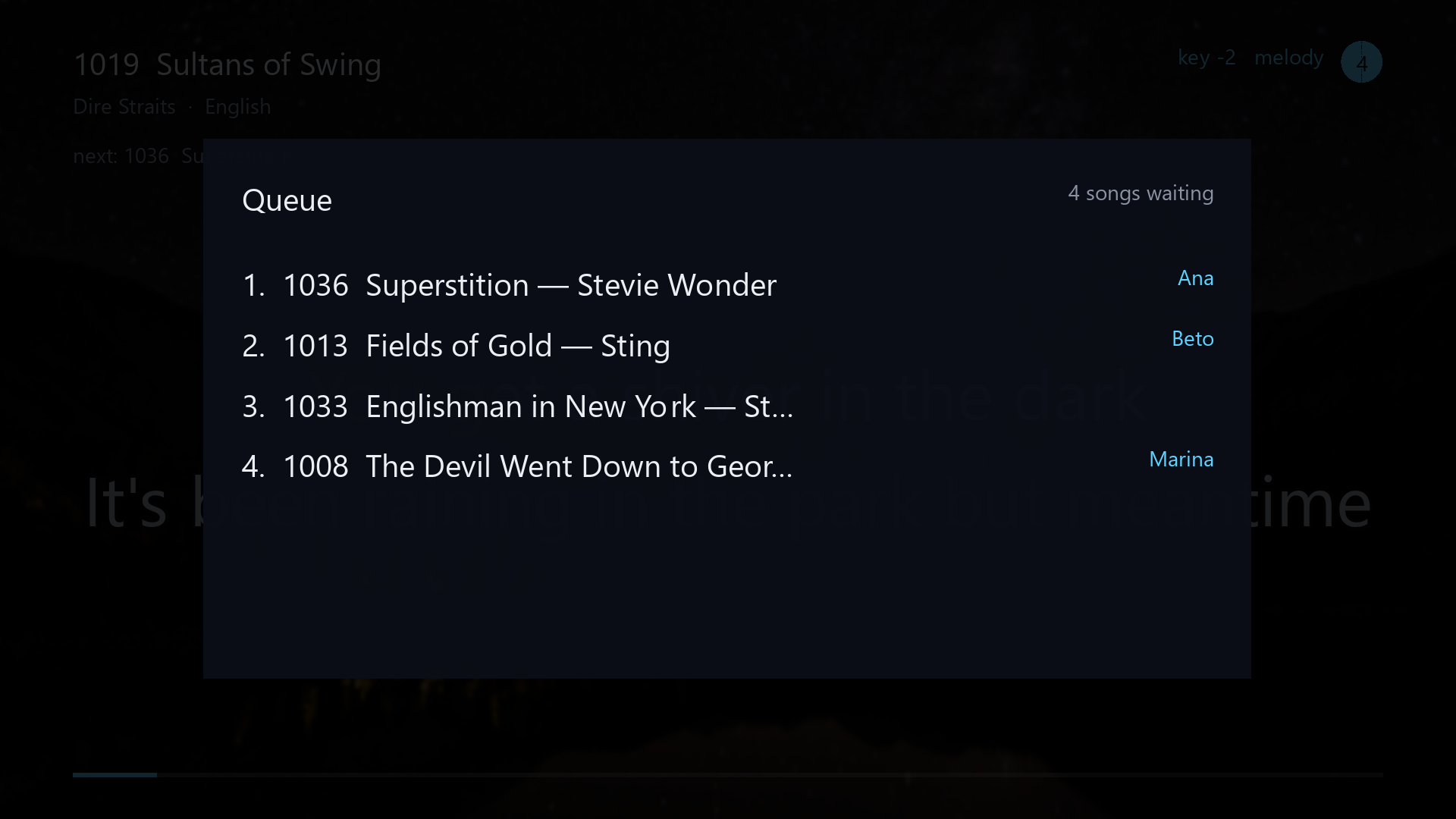
machine's address on the network beside a QR code The queue overlay drawn over a dimmed
playing screen, listing four waiting songs by place and title with the singer who asked for each in
blue at the right
Idle. Type a number, or point a phone at the code. The queue. What is waiting, and who asked for it.

Two lines of the carol Angels From the Realms of
Glory sung on the playing screen: each syllable fills in amber as it is sung, the next line waits
below in gray, and when the first line ends the one after the next takes its row

Singing. Each syllable fills in time with the music, and the next line is already waiting.
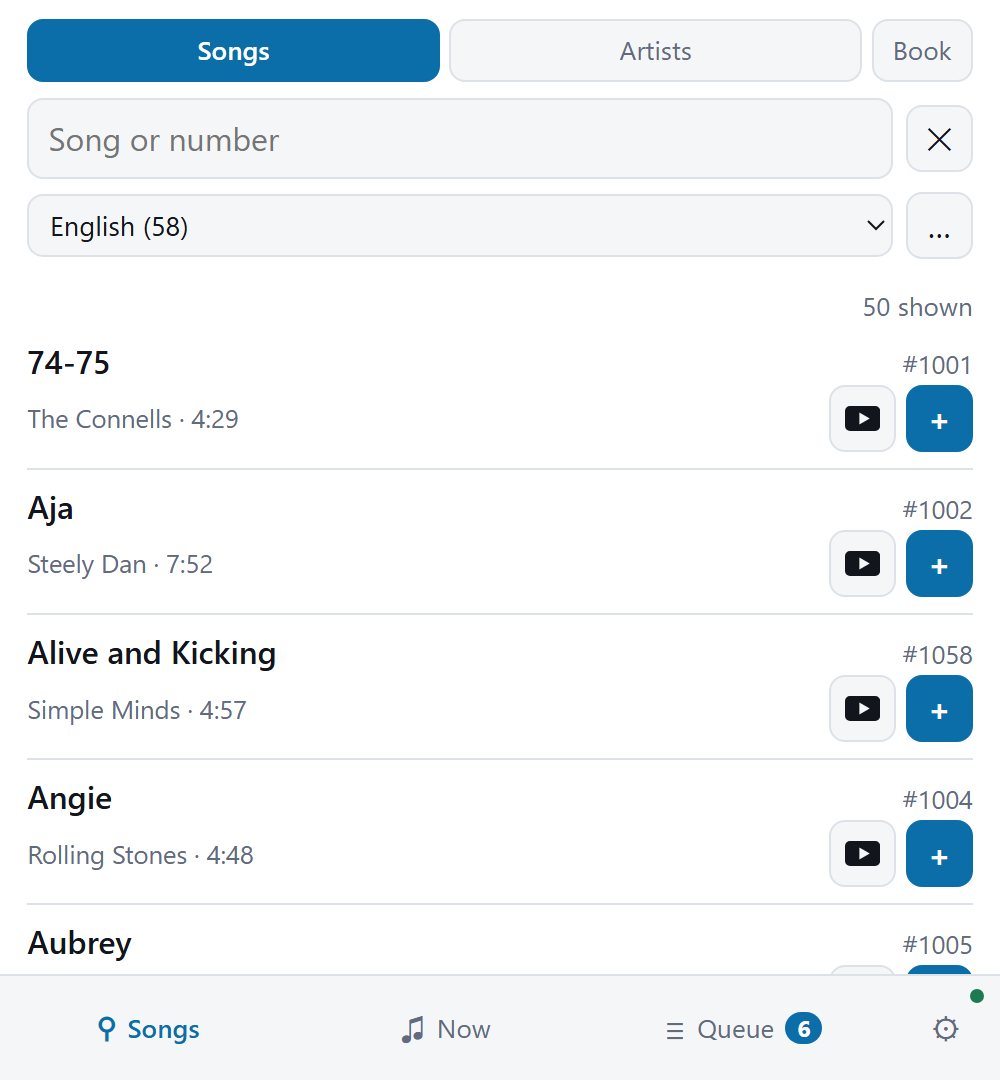
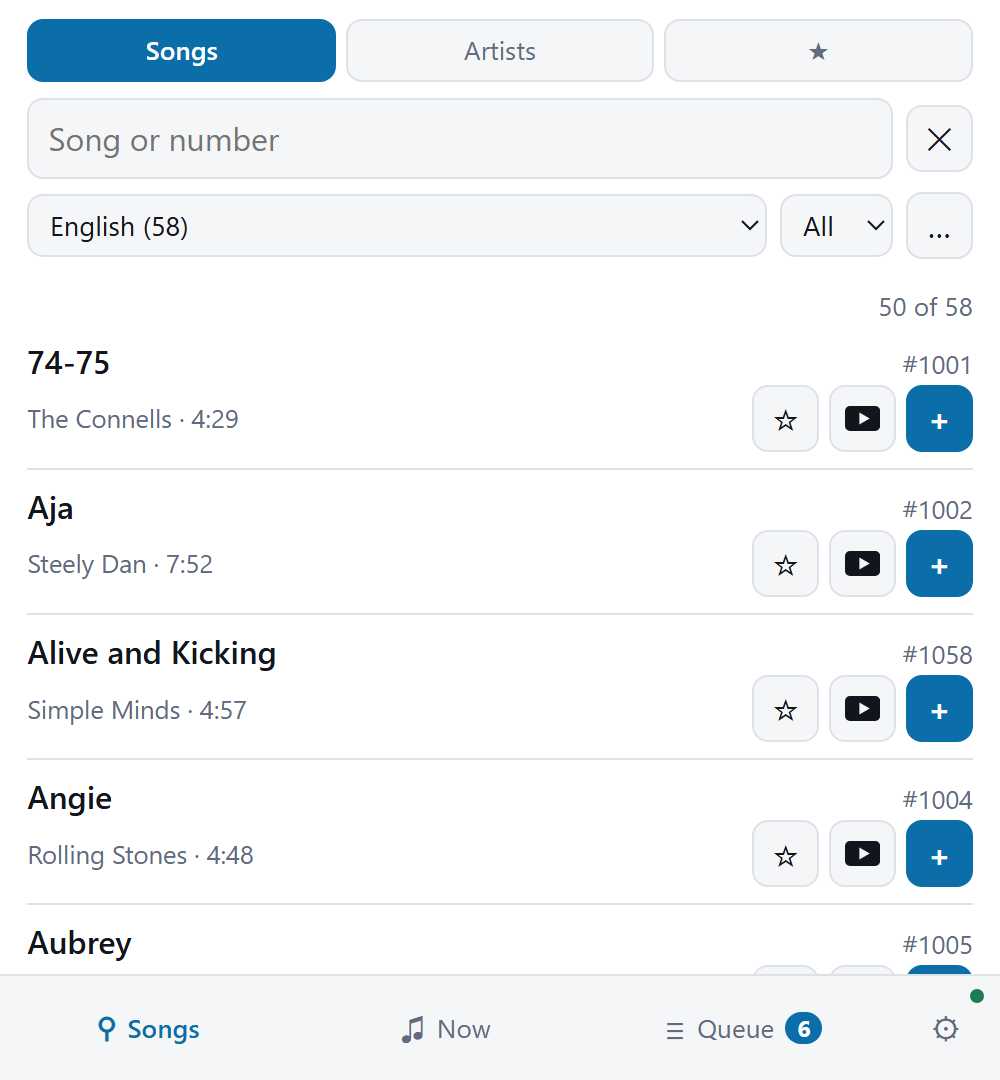
The singer's remote on a phone: mode
buttons for songs, artists and a printed book, a search box, a language filter, and a list of songs
with artist, duration and number, each with a button to look it up on YouTube and a button to add it
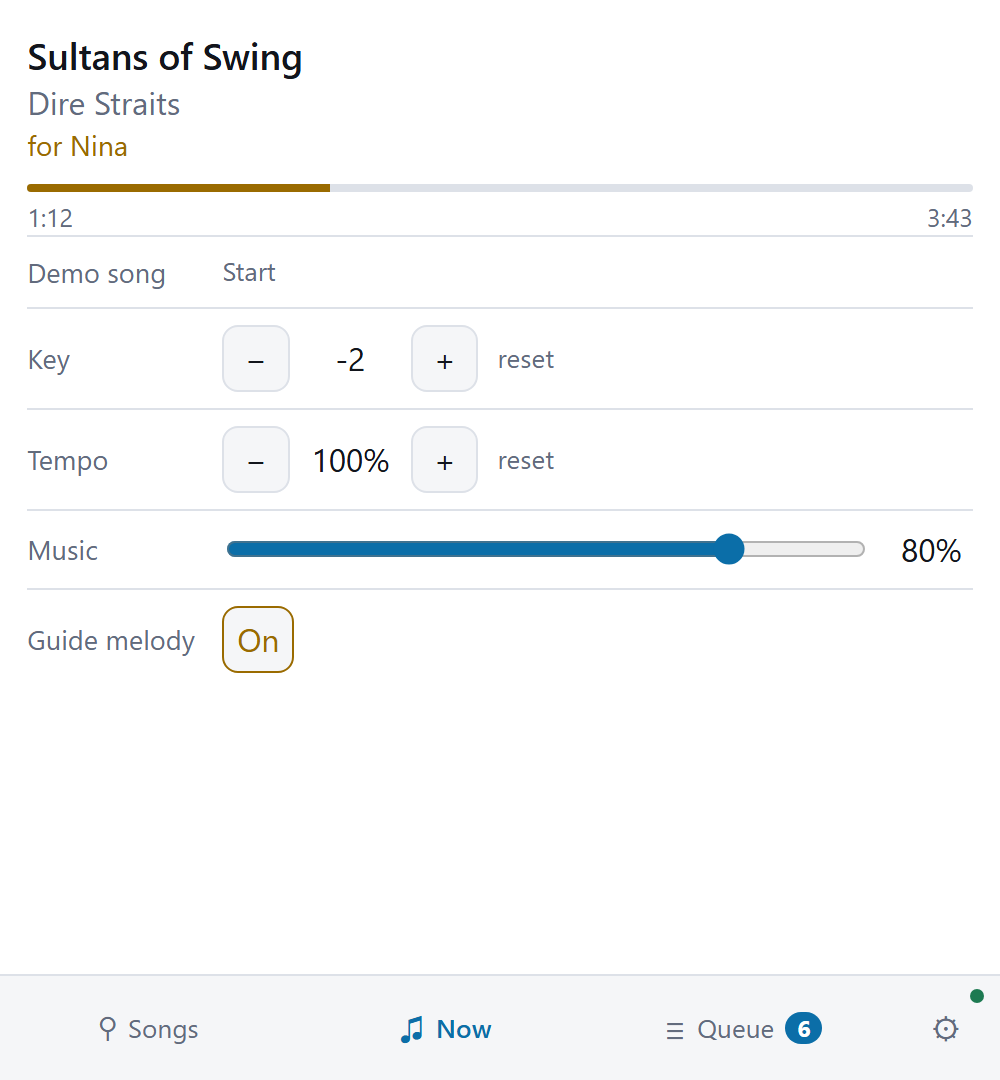
to the queue The remote's now-playing page: the song,
the singer it was queued for, a progress bar, and steppers for key and tempo, a music volume slider
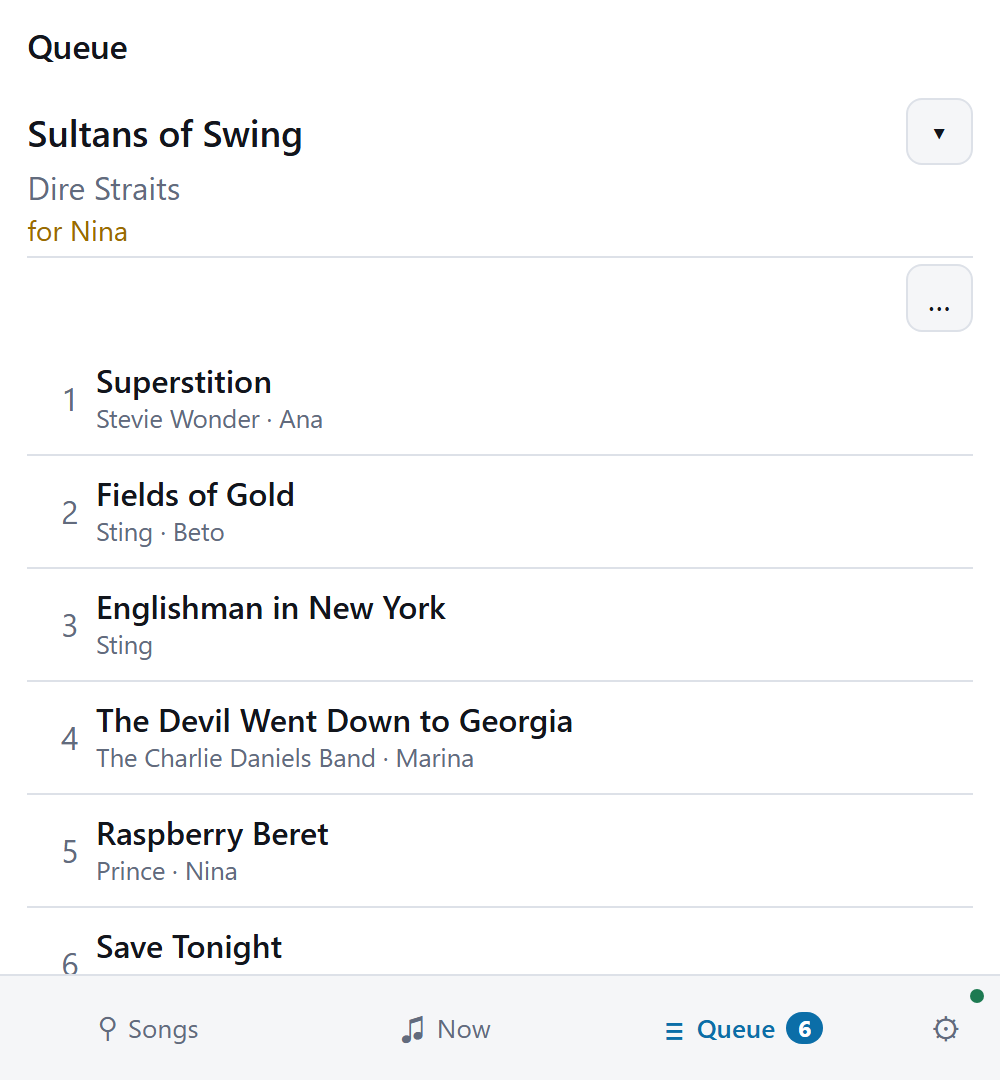
and a guide-melody toggle The remote's queue page: the song playing across the top, then six queued songs by position, title, artist and the singer who asked for each, in that singer's colour, with about how long until each starts The offline remote showing its song
list, with a favorites mode, an A to Z picker, and a star beside each song for filing it as a
favorite
Search and ask for a song from any phone. No app to install. The song as it plays — key, tempo, guide melody, music volume. Who is up next, and about when. Each singer has a colour of their own. The offline remote adds favorites and an A–Z picker, and works with the machine switched off.

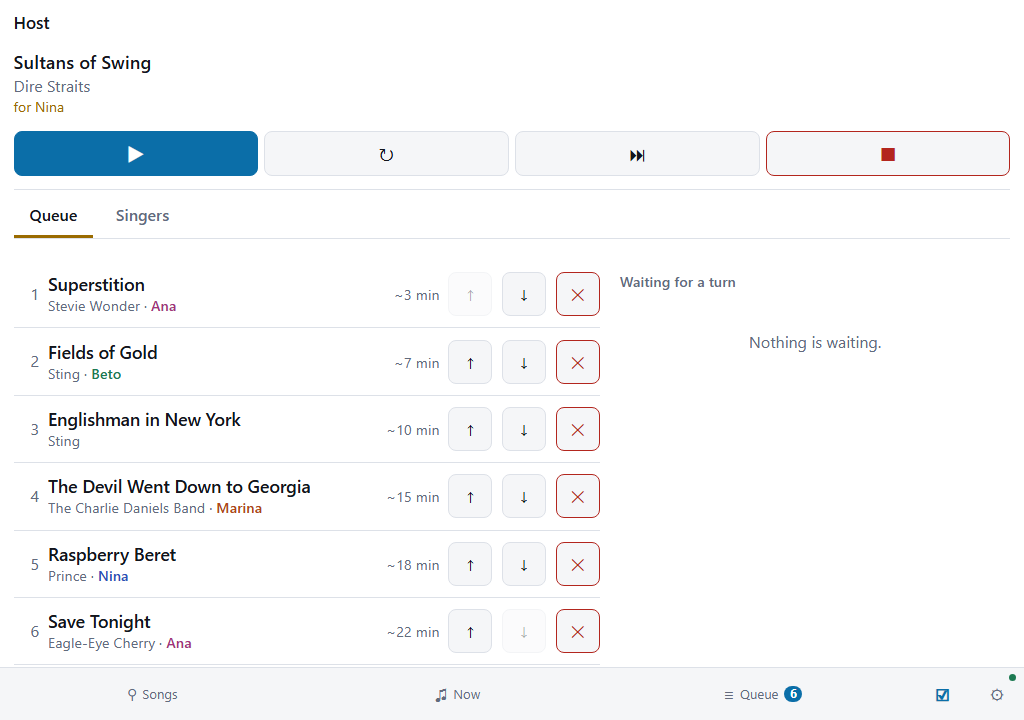
The host's tab on a tablet: the playing song with play,
restart, skip and stop buttons, then the Queue tab with six songs by place, title, artist and
singer, each with its wait and buttons to move it up, move it down or take it out, and beside them
the list of songs waiting for a turn

The host’s tab runs a public night from a tablet: the song that plays, the queue, and the songs waiting for a turn.
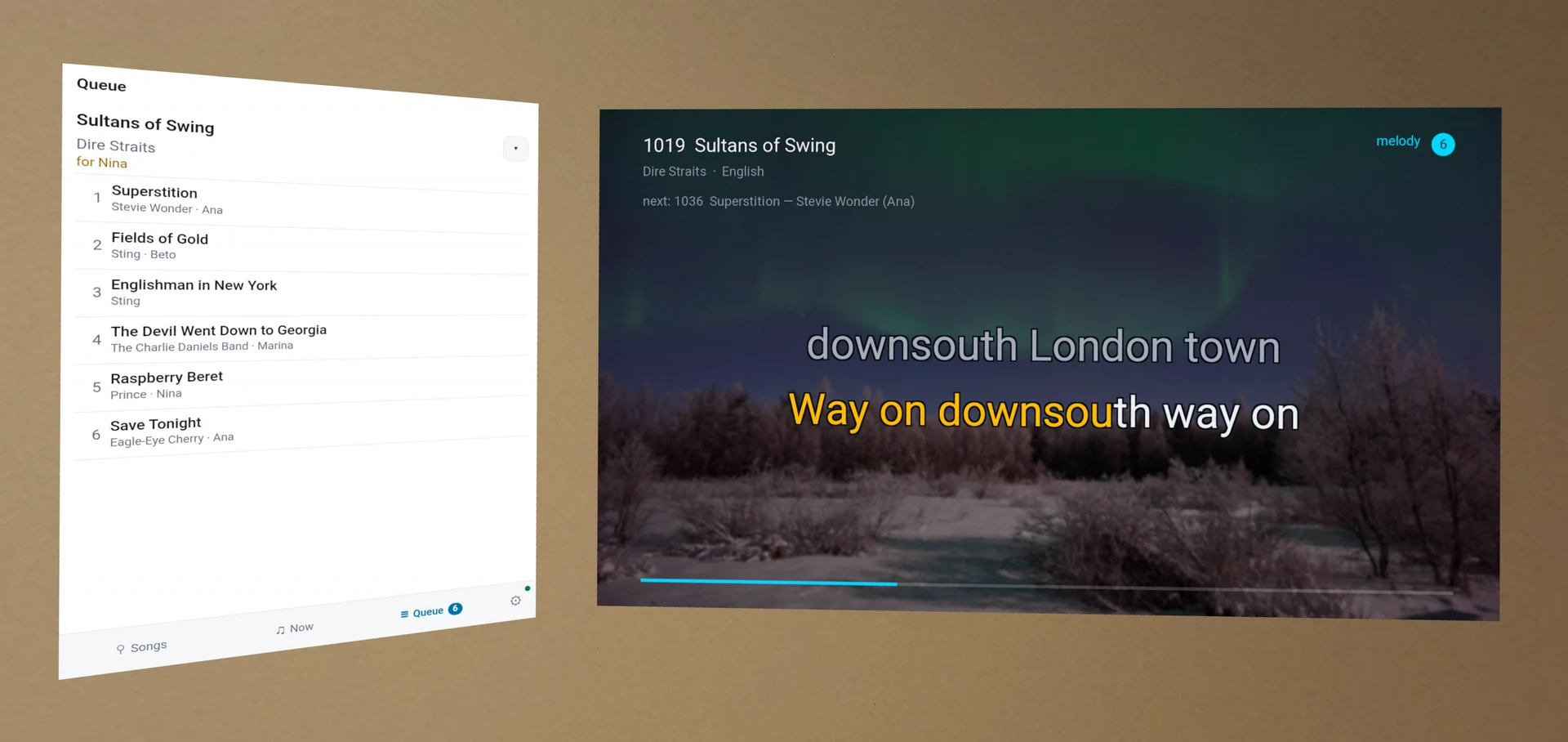
The machine inside a Meta Quest: the playing screen
hanging on a bare wall with the room still visible around it, and beside it a second panel showing
the queue of six waiting songs with the singer who asked for each

In a headset, the screen hangs on your wall and the queue hangs beside it.